What is available through the API?
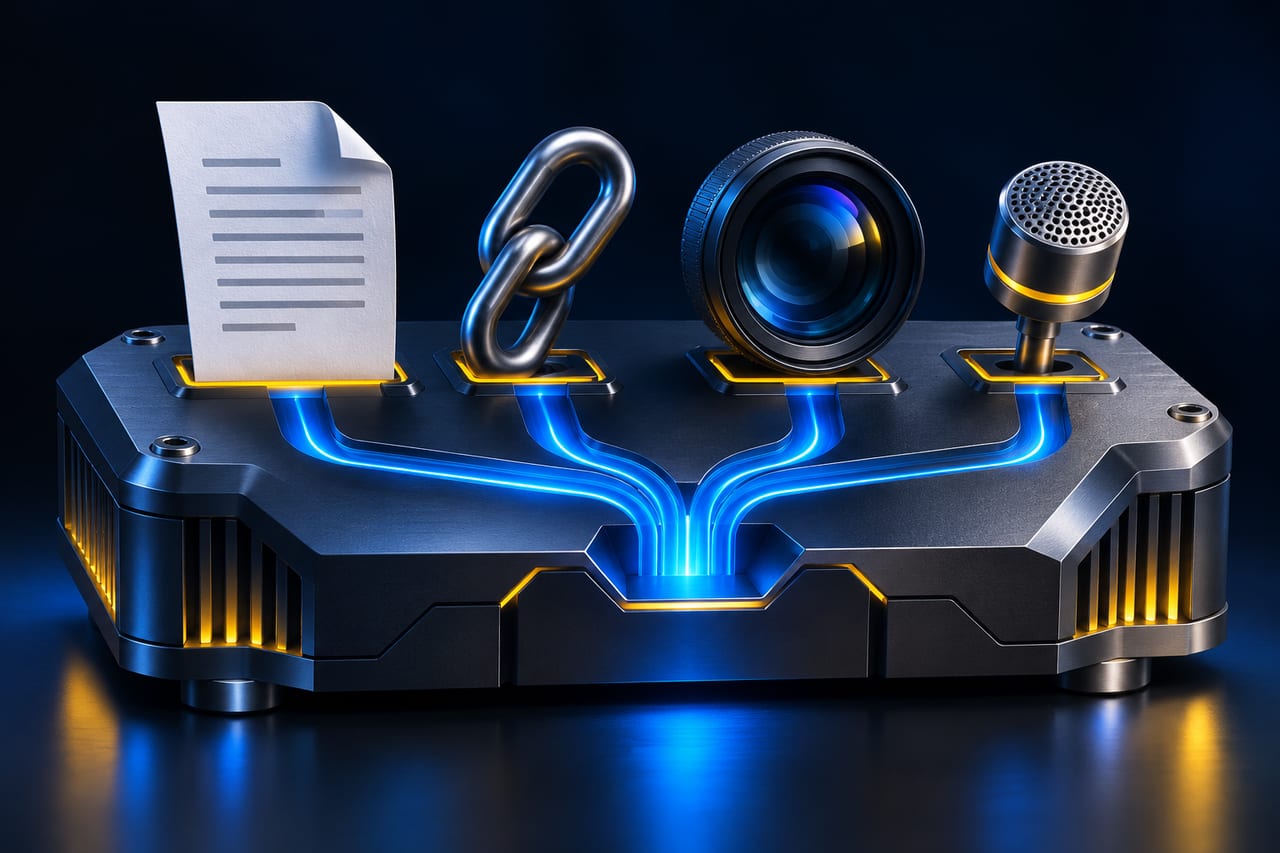
DeepSeek lists three interfaces for the deepseek-flash model: Messages, Responses and Chat Completions. Its built-in tools assemble conversation context on the server. Depending on the mode, a model with search enabled can cite search results or carry out multi-step research. File inputs can bring content from PDFs, Office files and images into the conversation. DeepSeek also offers separate endpoints for search, fetch, text recognition, transcription and speech synthesis. Work out whether your workflow needs one processing step or a model that can use several tools. Compare those options based on the quantity of data and the review your use case requires.
How do you capture the actual charges?
DeepSeek explicitly charges for extended tools in addition to standard token charges. Consult its price table for the precise features you intend to enable and check the billing unit for each one. For the standalone Search and Fetch APIs, DeepSeek lists USD 0.75 per 1,000 successful requests for each service. A single user request can trigger several search or fetch steps. Record model calls, tool calls, processed units and retries for each accepted result. Set a limit in your application on the calls you are prepared to make, and compare a sample with provider usage reporting. A per-call estimate becomes useful for budgeting when you know how often the calls actually occur and how much review time remains necessary.
What should the application show about sources?
In a research workflow, a reviewer should be able to tell which source supports each factual claim. Test a question with an easily located primary source, one with conflicting sources and one for which reliable evidence is unavailable. Verify that the result points to an original publisher, the link works and the page actually supports the statement. Decide when a second fetch is worthwhile and when the application should leave a question open. This gives you evidence of what search adds beyond fluent phrasing and helps reduce repeated calls when the evidence is inconclusive or the first source already answers the question.
What data and checks belong in the pilot?
Start with a PDF you created, one approved website and, if relevant, a few short synthetic audio files. Tables, multicolumn PDFs and names in audio should have a reference result so that extraction and recognition errors are visible. Agree which inputs and outputs may be logged and who can sign off on the test. DeepSeek requires public-facing apps to enable its safety check and leaves moderation and applicable obligations with the developer. Review the processing and retention terms that apply to your project before introducing production data. Document the data boundary so everyone running the pilot understands which records are in scope.
How do you compare two integration approaches?
For example, compare the built-in file workflow with a separate parser on the same approved documents. Before running the comparison, specify which fields must be correct: amounts, units, dates and where each value came from. Measure accepted results and correction time separately. Decide whether poor input quality should trigger a follow-up question or hand the task over to a person. Record which results cannot count because a reference is missing or data provenance is unclear. A repeatable pilot with a small but deliberate sample provides a basis for deciding on costs, quality and the next stage of the integration.
Keep it verifiable
Primary sources
- DeepSeek – The full DeepSeek App experience, now via APISource checked:
- DeepSeek API Docs – Build a ChatbotSource checked:
- DeepSeek API Docs – Search & FetchSource checked:
- DeepSeek API Docs – Models & PricingSource checked: