Who can enable it?
Only Owners and Primary Owners can enable Computer Use under Organization settings → Capabilities → Claude Desktop. The unified Chat and Cowork experience must be enabled. Enterprise owners should review roles first because built-in roles gain access when the feature is enabled. Team has no custom roles for this setting. A missing switch may mean the rollout has yet to reach the organization. Anthropic also lists excluded configurations, including customer-managed encryption keys (CMEK) and Zero Data Retention for Claude Code.
What can Claude do on the computer?
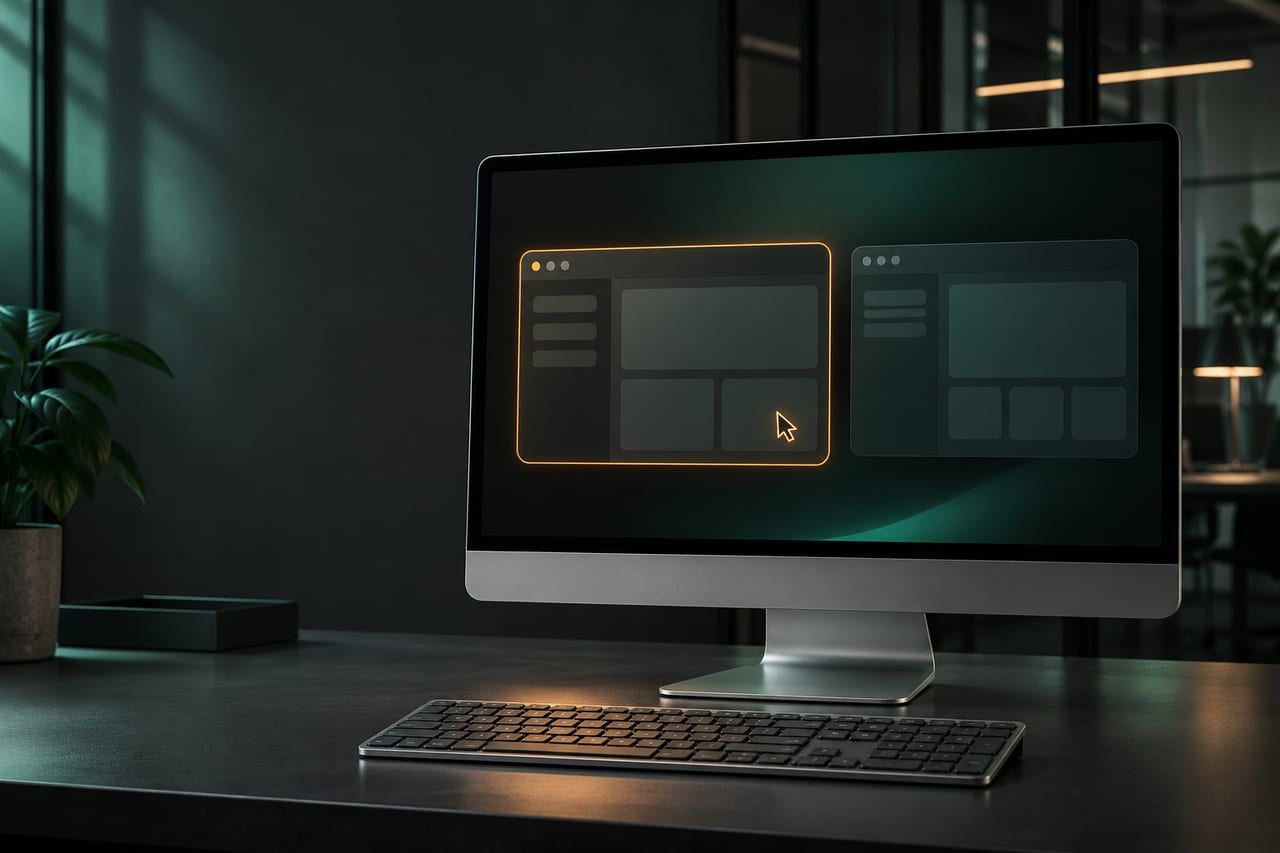
Claude sees the screen through screenshots and operates approved apps with mouse and keyboard input. Claude Desktop must be open on the computer it uses. Anthropic lists Windows and macOS 14 or later. On Mac, Claude Desktop also needs accessibility and screen recording permissions. Computer Access is a separate setting for reaching the computer from the web, mobile or scheduled tasks. To use Computer Use from the web or mobile, enable Computer Access and connect the chat to the computer.
What should teams check before enabling it?
The actions take place on the selected computer. Anthropic says screenshots are saved with the chat and an automated review can see the latest screenshot, which Anthropic may retain in its review record. Close apps containing sensitive material before testing and check what remains visible to the test account.
Allow only the app needed for the trial. Users still have to approve that app. Check the test account's file permissions as well. Anthropic says there is no sandbox between Claude and the apps. An allowed app can reach files outside connected folders. Marking a folder read-only in Claude also has no effect on interactions through approved desktop apps. In an approved browser, the app lists leave individual websites and extensions outside their scope.
What does a measurable pilot look like?
Ask Claude to transfer three fictional item IDs from a test file into a local draft. Have someone compare the result with the source and confirm that a request to use a disallowed app is rejected. Record how you would turn the feature off and when the restriction takes effect on the device. Anthropic says changes to Computer Use, roles or app lists can take around an hour or longer. Device management (MDM) can exclude selected computers. Verify the policy on a managed test device.
When is the workflow ready for another trial?
Before starting, agree on which file Claude may read and which file it may change. Give the test file a duplicate item ID and leave one field blank. The person supervising the trial checks both cases against the original. Record whether Claude asks about ambiguous data or enters a value. Afterwards, review which other files were opened or changed and how much effort it took to verify the draft.
If the task can be repeated reliably with one approved app, a narrowly scoped test account and someone watching the outcome, repeat it with a second person. If Claude reaches beyond the intended scope, stop the trial and review the approved apps and device permissions.
Keep it verifiable