What “always on” means according to Anthropic
The guide notes a resurgence of interest in always-on agents. They are stateful and proactive, manage context across sessions and take actions without direct supervision. Anthropic attributes this in part to better judgment in recent models and to falling costs. Customers have asked how to integrate this kind of experience into their own products; some want to make existing agents more proactive, others want to build them from the ground up.
The decisive sentence comes early: an always-on agent is not actually “always on”. That is only a description of the user experience. In reality the agent spends most of its time asleep and wakes periodically to do work. The post calls each stretch of work a run: the agent receives an event, completes its task and then saves information about what happened. The core loop is the same as for other agents; what differs is the architecture that controls when the agent wakes, what carries over between runs, and how work reaches the user.
Event inbox and timers: when the agent wakes
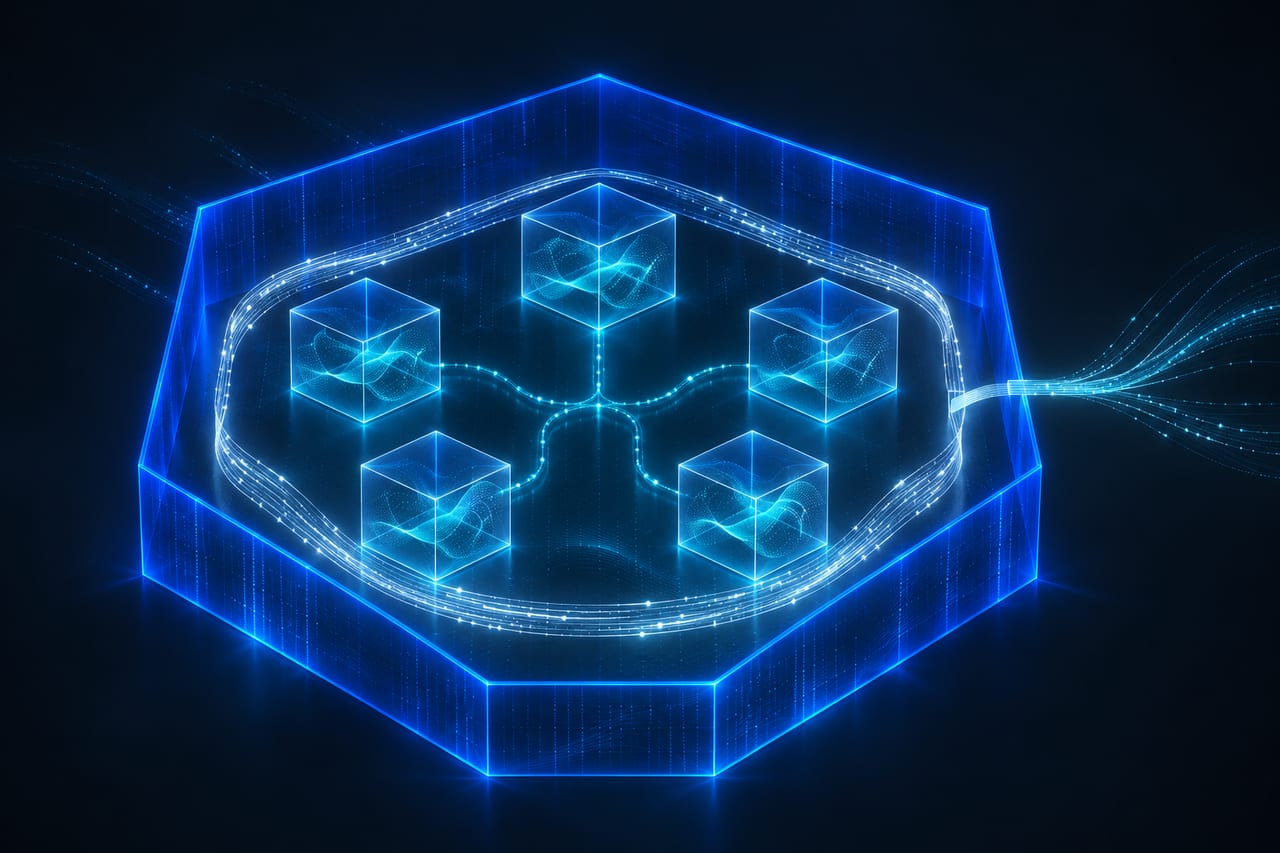
Instead of calling the agent directly, every source sends an event to an inbox, where a worker picks it up. The inbox should be the source of truth. An inbox should have only one active worker at a time. The handler should acknowledge events quickly, and the worker should batch pending events. Together with the inbox, timers let always-on agents be proactive.
Timers generally fall into two categories: follow-ups or schedules. They live in their own durable store, usually another database table, separate from the inbox. A timer does not initiate a run on its own. A scheduler, often a background service, polls the store at a fixed interval, updates due timers (a follow-up is marked done, a schedule gets its next due time) and adds an event to the inbox, which wakes the worker. You can build your own scheduler or use a durable execution engine.
Memory between runs
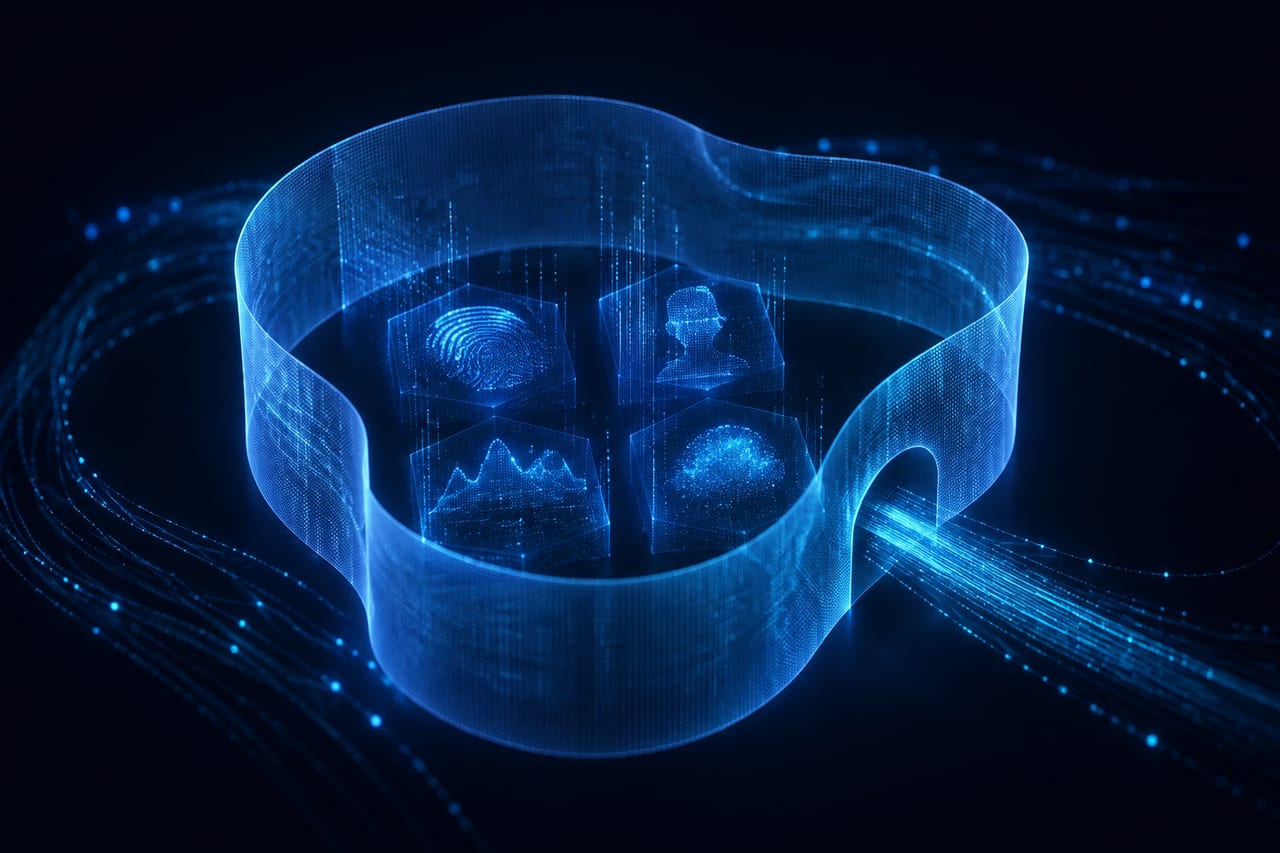
Because runs are disjointed, the agent relies on memory for continuity. In Anthropic’s products, such as Claude Code’s auto memory and the Messages API’s memory tool, this is implemented as a directory of files; for an always-on agent those directories should map to durable storage, usually a database or an object store, so memories outlive the worker. As a rule of thumb, memory should only hold what the agent cannot look up again. If something already lives in another system, such as an issue tracker, you should save a pointer instead.
The guide distinguishes four kinds of memory written during a run: user instructions about agent behavior, saved in their own file and loaded at the start of every run; notes about the user’s role, preferences or corrections; past messages so the agent does not repeat itself; and, for each ongoing task, a progress file so the next run can continue where the last one left off. The post also mentions optional “dreaming”: reviewing past sessions to curate memories and find patterns that only appear across many runs.
Before doing any work, the agent loads the system prompt, tool definitions and memory files. This initial context overhead is included in every run, so Anthropic recommends keeping it lean and using prompt caching. If a session becomes too long, you can compact older messages or start a new session. Both approaches lose detail, so anything that needs to persist should be saved to memory along the way.
Permissions and the outbox
According to the guide, permissions are where always-on agents carry the most risk. A run holds the user’s access and, by design, operates unattended. For each tool call the agent needs to decide whether to proceed on its own, block the call, or wait for approval. For credentials, Anthropic recommends a proxy outside the agent’s environment that adds credentials to outgoing requests; the agent itself sends requests without those credentials.
As a precedent for unattended work, the post points to auto mode in Claude Code: classifiers review higher-risk actions and block those they identify as dangerous so Claude can find a safer approach. User review is still necessary for the most important decisions. A hook can also defer a tool call and wait for additional input. The run ends, the session is saved mid-call, the request is shown to the user (for example through an interactive card built with MCP Apps), and the answer returns as an event in the inbox. While the deferred call waits, the worker can pick up other events, so the agent is not blocked.
Unlike typical chat agents, whose responses are streamed as they are generated, always-on agents do most of their work in the background. The user gets the outcome and a few details, rather than the entire step-by-step breakdown. A run ends in one of three ways: with a message to the outbox, with a decision that nothing needs to be sent, or with a deferred tool call asking for permission or more input. A formal outbox is mainly needed when you want to pace messages or recover from errors. Anthropic recommends building evals to find the right volume of messages and, in practice, starting quiet and then earning more of the user’s attention over time.
Our assessment for teams
The guide is not a new Claude product and does not replace the 13 November 2026 articles on Claude Meetings or self-hosted Managed Agents. It is most useful if you are building your own agents or want existing workflows to continue unattended. Before such an agent touches company data, the inbox, memory location, credential proxy and the list of steps that need human approval should already be decided – not only after the first run goes wrong.
The Opus 5.5 cost figure applies to the long-horizon coding benchmark named in the post and to the comparison with typical workloads. It does not automatically transfer to every internal agent. The guide also names Claude Fable 5.2, Sonnet 5.5 and Haiku 5.5; in the passages we verified it does not prescribe a model choice for every project. For personal data, a legal basis, a processing agreement and access control remain prerequisites – however elegant the architecture description is.
Keep it verifiable